
To check whic
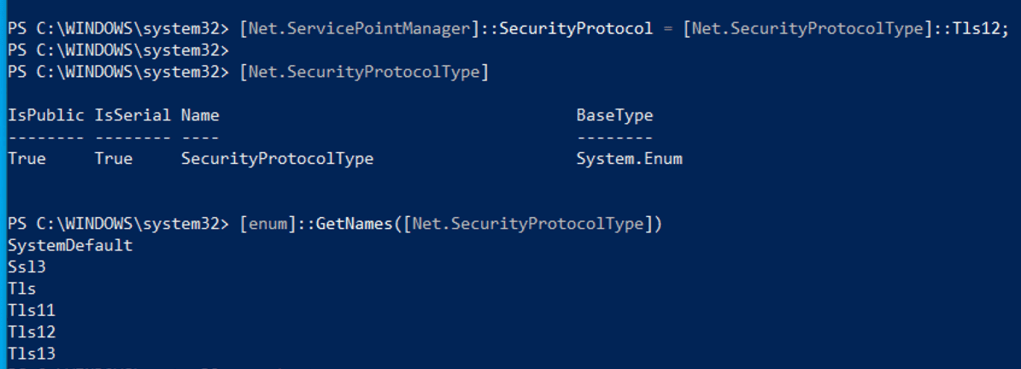
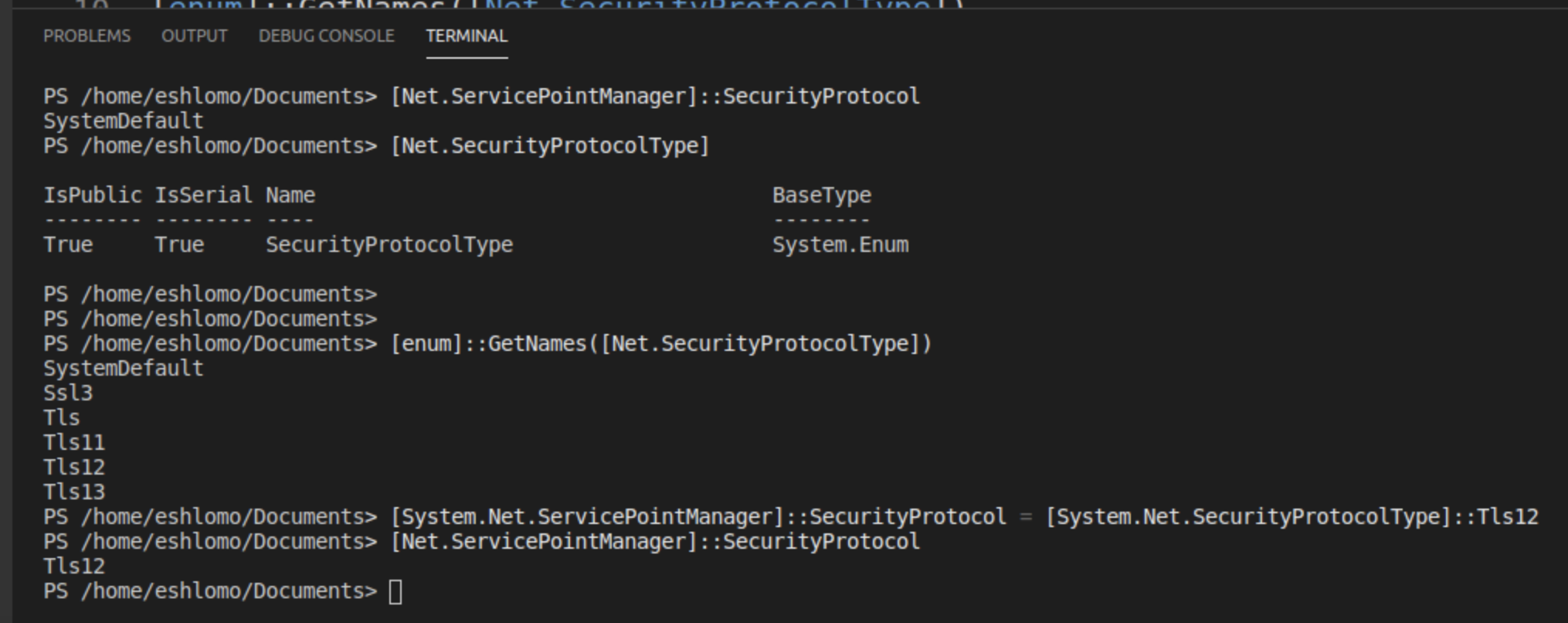
List the Security Protocol configuration
[Net.ServicePointManager]::SecurityProtocol
Get the BaseType of Net.SecurityProtocolType
[Net.SecurityProtocolType]
# Get the PowerShell supported TLS versions
[enum]::GetNames([Net.SecurityProtocolType])
# Force PowerShell to use TLS 1.2
[System.Net.ServicePointManager]::SecurityProtocol = [System.Net.SecurityProtocolType]::Tls12
Force PowerShell to use TLS 1.2
By default, PowerShell uses TLS 1.0. Because SEP (Symantec Endpoint Protection) uses TLS 1.2, you will receive a connection error message if you do not change this behaviour. To force PowerShell to use TLS 1.2, add the following line to your script:
[Net.ServicePointManager]::SecurityProtocol = [Net.SecurityProtocolType]::Tls12;
 ScrollUnlock
Leave a comment