
How do I create a profile README?
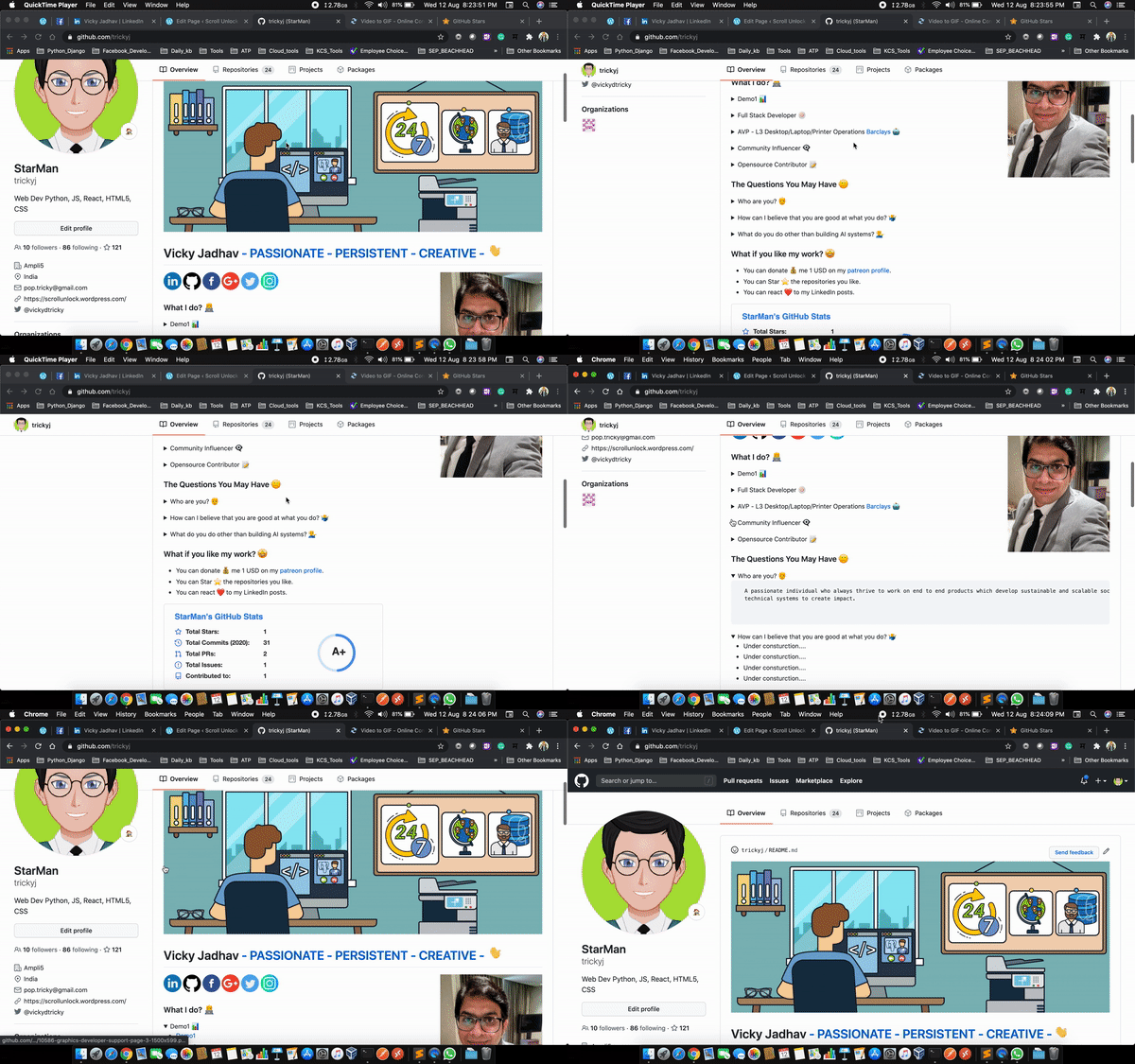
GitHub recently released a feature that allows users to create a profile-level README to display prominently on their GitHub profile. This article walks you through how to access this new feature.
The profile README is created by creating a new repository that’s the same name as your username. For example, my GitHub username is trickyj so I created a new repository with the name trickyj.
Note: at the time of this writing, in order to access the profile README feature, the letter-casing must match your GitHub username.
Get the source – https://github.com/trickyj/trickyj
Check out by AbhiShek – Awesome Github Profile README
 ScrollUnlock
Leave a comment