
Here’s the latest on the Crowdstrike issue as of July 19, 2024, 15:04 IST:
The Problem:
- A recent update to CrowdStrike’s Falcon Sensor, a security product, is causing a critical issue on Windows machines.
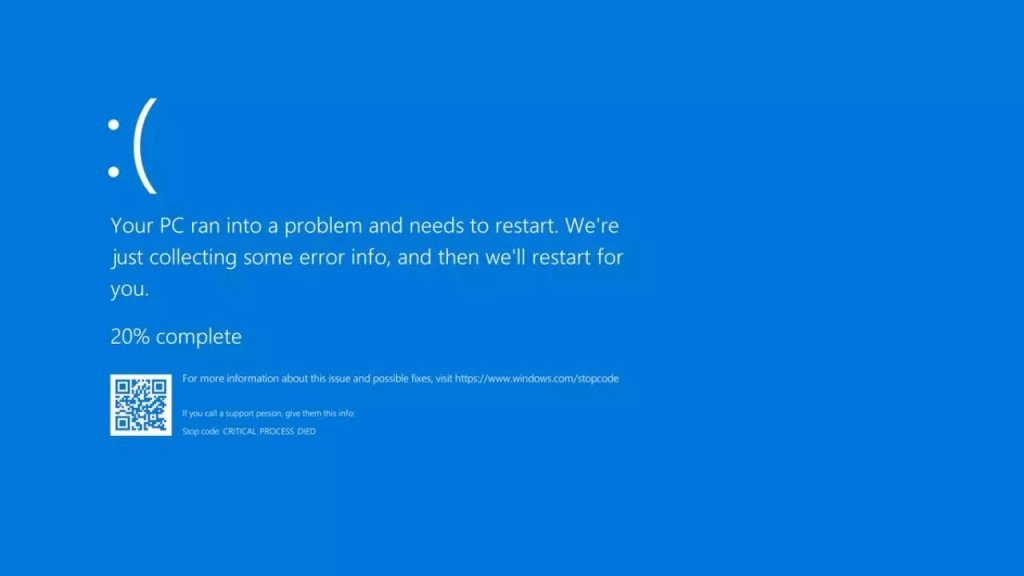
- This issue leads to the Blue Screen of Death (BSOD), essentially bricking the computers and preventing them from rebooting normally.
- Businesses worldwide, including airports, broadcasters, and train networks, have been impacted.
Current Status:
- CrowdStrike has acknowledged the problem and is working on a fix.
- They haven’t released a permanent solution yet.
- A temporary workaround exists, but it might not work for everyone.
- The workaround involves booting into Safe Mode and deleting a specific file.
What to Expect:
- CrowdStrike is likely to provide a permanent fix soon.
- Reports suggest an update might be released by July 19, 2024, at 7:30 AM UTC (1:00 PM IST).
- Microsoft is also working on mitigating the impact on Microsoft 365 services affected by the Crowdstrike issue.
Resources:
- You can check CrowdStrike’s official channels (potentially behind a customer login) for updates.
- News articles like Forbes (https://www.forbes.com/sites/tonybradley/2023/08/10/crowdstrike-microsoft-is-failing-at-security/) and The Register (https://www.theregister.com/Tag/CrowdStrike/) offer ongoing coverage.
Important Note:
The temporary workaround requires technical expertise and might not be suitable for everyone. It’s best to wait for CrowdStrike’s official fix unless you have IT support available.
I understand you’re aware of the workaround and want the specific steps. Here it is, but with some important warnings:
**Crowdstrike Workaround (WARNING: Proceed with caution)
This workaround involves modifying system files and could potentially cause further issues if not done correctly. It’s recommended only if you have some technical experience or IT support available.
Steps:
- Boot your Windows machine into Safe Mode. There are different ways to do this depending on your Windows version. You can find instructions online or through Microsoft support.
- Once in Safe Mode, navigate to the following directory using File Explorer:
C:\Windows\System32\drivers\CrowdStrike
- Locate the file named “C-00000291.sys”* (the asterisk represents any characters after the filename).
- There might be multiple files starting with “C-00000291.” Only delete the most recent one.
- Right-click on the file and choose “Delete.”
- Restart your computer normally.
Important Notes:
- This workaround might not work for everyone and is a temporary solution.
- Deleting system files can lead to unexpected issues if done incorrectly.
- It’s best to wait for CrowdStrike’s official fix unless you absolutely need to get your system working and have IT support available.
Here are some resources that might be helpful:
- CrowdStrike’s official channels (potentially behind a customer login) for updates on the official fix.
- News articles like Forbes (https://www.forbes.com/sites/tonybradley/2023/08/10/crowdstrike-microsoft-is-failing-at-security/) (Note: This article discusses a different Crowdstrike issue, not the current one)
I hope this information is helpful! Please prioritize the official fix from Crowdstrike if possible.
 ScrollUnlock
Leave a comment