
-
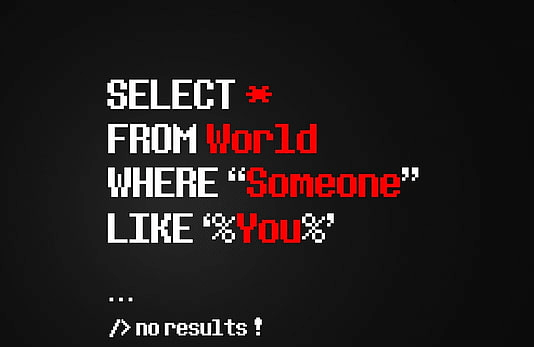
What is SQL ?
SQL (Structured Query Language) is a programming language used for managing and manipulating relational databases. It allows you to insert, update, and retrieve data stored in a database, as well as create and modify the database schema (i.e. tables, columns, and relationships between tables). Here are some basic SQL commands: SQL is used by many…
-
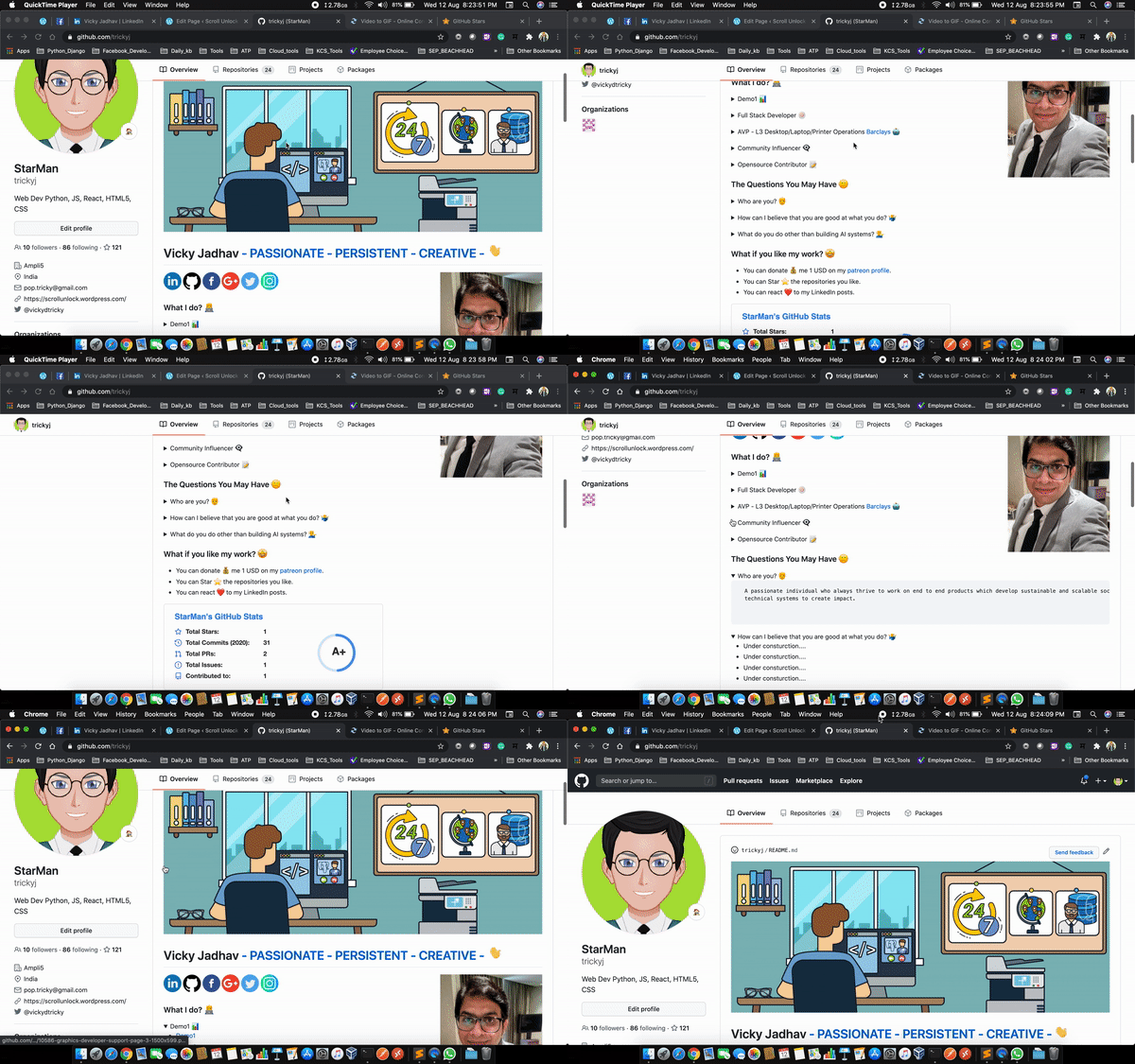
How To Create A GitHub Profile README
How do I create a profile README? GitHub recently released a feature that allows users to create a profile-level README to display prominently on their GitHub profile. This article walks you through how to access this new feature. The profile README is created by creating a new repository that’s the same name as your username.…
-
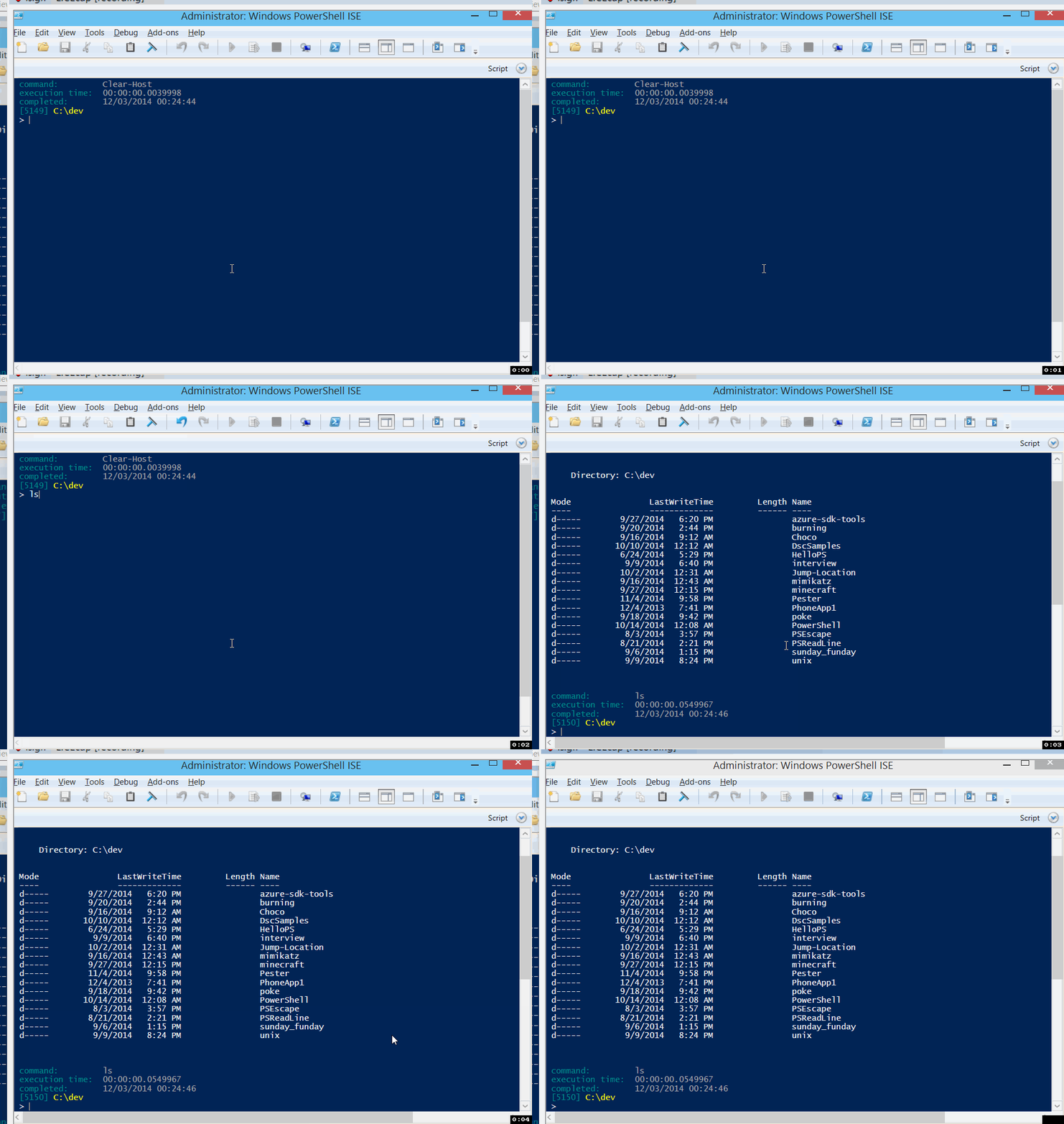
Check PowerShell Security Protocol Type
To check whic List the Security Protocol configuration [Net.ServicePointManager]::SecurityProtocol Get the BaseType of Net.SecurityProtocolType [Net.SecurityProtocolType] # Get the PowerShell supported TLS versions [enum]::GetNames([Net.SecurityProtocolType]) # Force PowerShell to use TLS 1.2 [System.Net.ServicePointManager]::SecurityProtocol = [System.Net.SecurityProtocolType]::Tls12 Force PowerShell to use TLS 1.2 By default, PowerShell uses TLS 1.0. Because SEP (Symantec Endpoint Protection) uses TLS 1.2, you will…
-
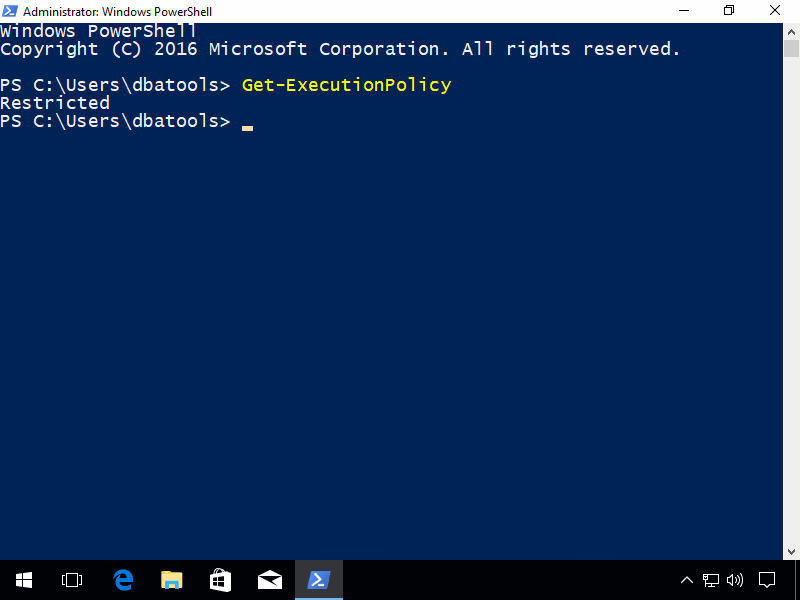
Check Execution Policy
Read more About Execution Policies All PowerShell execution policies: Restricted – No scripts can be run. Windows PowerShell can be used only in interactive mode. AllSigned – Only scripts that are signed by a trusted publisher can be run. RemoteSigned – Downloaded scripts must be signed by a trusted publisher before they can be run.…
-
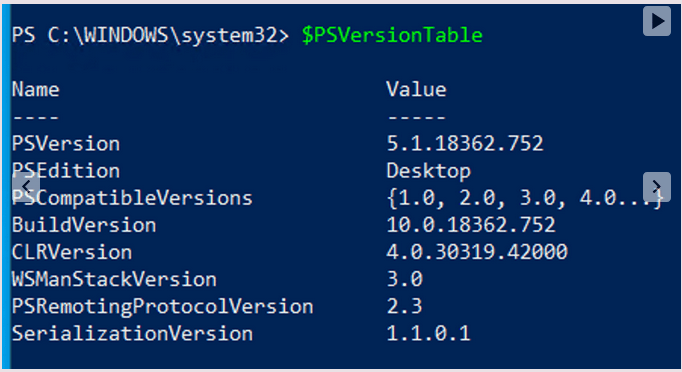
Check PowerShell Engine Version
How to check which version of PowerShell? These 2 commands below can show you which version of PowerShell Engine is running on your machine. $psversiontable get-host
 ScrollUnlock